
Free online invoicing software
with KSeF support

Subscribe to our newsletter
Leave your email address and receive guides supporting your business’s growth once a week

MT940 statement – how do you download it from PKO BP?
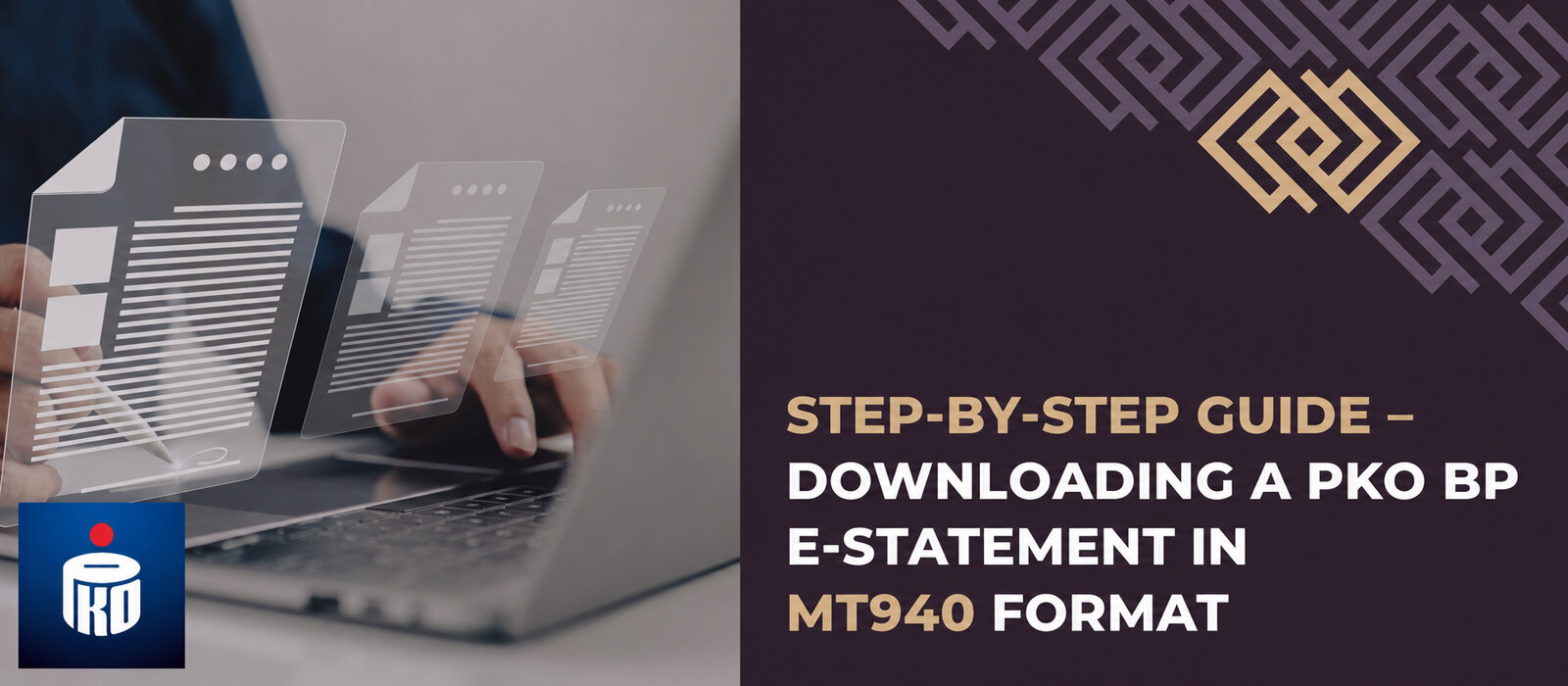
Do you have a business account at PKO BP and need to download an MT940 statement for your accounting office? We will help you through the whole process – below is a guide to downloading an MT940 statement from PKO BP.
Downloading an MT940 statement from PKO BP is no problem – with our instructions, you will have the file on your drive in a few moments.

Instructions for the image:
- Sign in to iPKO Biznes.
- Select “Payment history” in the menu on the left -> “File reports”.
- Select the account -> set the statement date and period -> select the “MT940” file format.
- Select the file at the bottom of the screen -> “Download”.
Important – PKO BP business account users can download a statement for a period going back up to 90 days. Before downloading an MT940 file, you need to select the account, the statement date and period, and the file format.
As you can see, downloading an MT940 statement takes no more than a few minutes. Go to the PKO BP banking system, sign in and follow the instructions above – in a moment you will have downloaded the statement file for your business account.
Interested in this article? Explore our services and see how we can help:
Our specialists can help you put this knowledge into practice.

Interested in this article?
Enter your email address and once a week you will receive practical materials and tips to help you grow your business.

Book a free consultation
Grow your business with accounting combined with advisory services:

or