
Free online invoicing software
with KSeF support
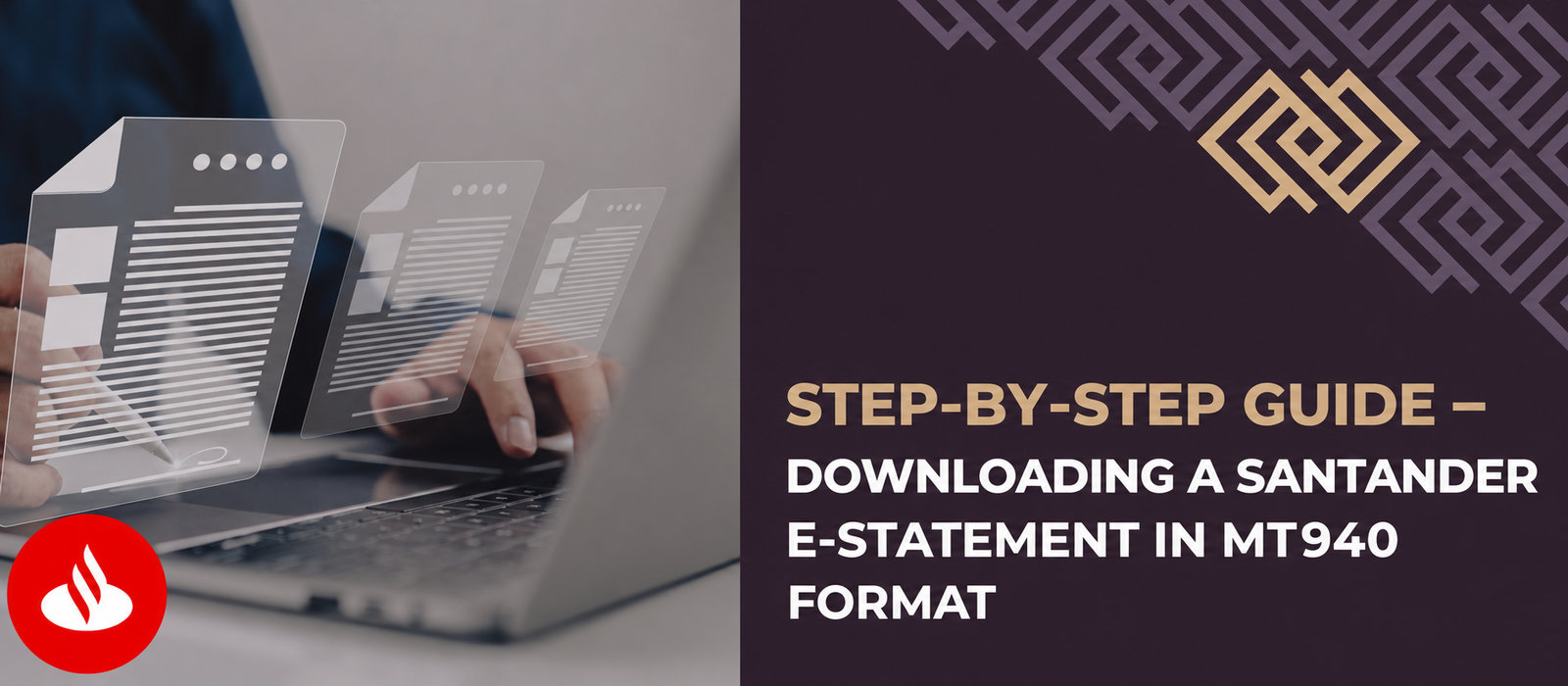
MT940 statement – how do you download it from Santander?
Does your accounting office need an MT940 bank file containing your account history, and you do not know how to get it? Below you will find detailed step-by-step instructions on downloading an MT940 bank statement.

Subscribe to our newsletter
Leave your email address and receive guides supporting your business’s growth once a week

An electronic statement in MT940 format is available in moments – you can quickly and easily download it to your computer or smartphone. It is a convenient solution that avoids unnecessary costs and time spent corresponding with the bank. How do you download an MT940 e-statement from Santander? Here is a short step-by-step guide.
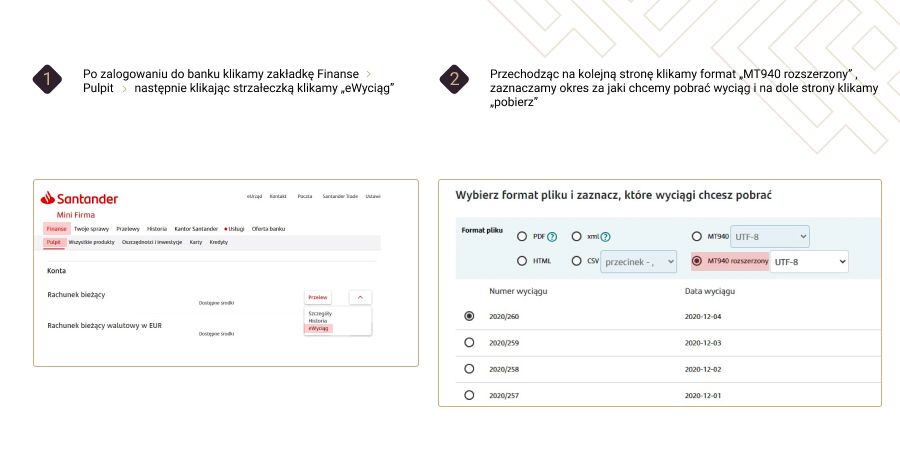
Instructions for the image:
1. Sign in to Santander banking.
2. Select “Finance” -> “Dashboard”.
3. Select “eStatement”.
4. Select the file format and the period for which you want to download the e-statement.
A new window will appear in which you must select the file format – tick “extended MT940 ” in “UTF-8” format, and then select the period for which you want to download the e-statement.
As you can see, the entire operation is very simple and will take literally just a few moments (depending on your internet connection speed). Complete four steps and your e-statement will be on your device. The MT940 e-statement is ready to import into the accounting system.
Interested in this article? Explore our services and see how we can help:
Our specialists can help you put this knowledge into practice.

Interested in this article?
Enter your email address and once a week you will receive practical materials and tips to help you grow your business.

Book a free consultation
Grow your business with accounting combined with advisory services:

or