
Free online invoicing software
with KSeF support
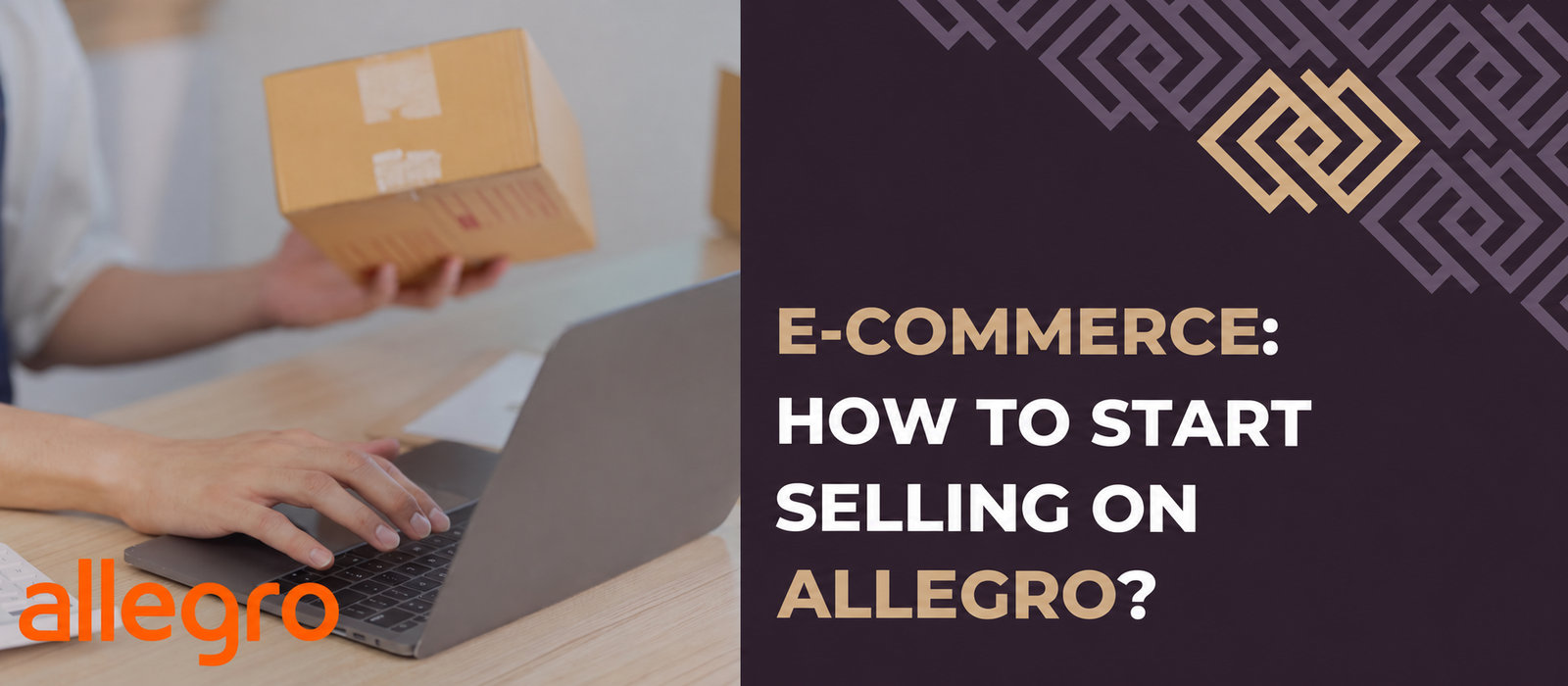
Allegro is Poland's largest shopping platform, attracting 22 million visitors monthly. Almost anyone can start selling there, from a beginner to the owner of a successful e-business. How do you start selling on Allegro and manage your accounting while using a marketplace?
How do you register a shop on Allegro?
Sales on Allegro require registration and activation of an account and sales terms. Registering a business account is free; an owner, director or representative of a company, foundation or association can open one to sell on behalf of the organisation. Remember that the business must be active: a suspended company cannot open a business account.
Step 1: Register a business account
To register a business account on Allegro, prepare:
- The company's NIP tax number,
- Its business bank account number,
- An email address not already used for an Allegro account,
- A username, which will also be your Allegro shop name.
To register a business customer account, visit the registration page and follow these instructions:
- Complete all fields in the registration form.
- Click GET COMPANY DATA: the system retrieves data from the Central Statistical Office (GUS) database. If it fails, you will be asked to enter the information manually.
- Click CREATE ACCOUNT at the bottom of the form.
- Confirm registration using the instructions emailed to you.
- When redirected to Allegro, select I WANT TO SELL.
Step 2: Activate the account
Next activate the business account: sales are impossible without activation. Choose simplified verification or full verification. The former is for occasional sellers (up to ten transactions monthly), the latter for businesses that want to sell regularly without account restrictions.
Both methods require a PLN 1 verification transfer from the business bank account linked to Allegro. The amount is refunded once your information is confirmed. To send it, go to SET UP WITHDRAWALS, enter bank account details, choose the bank and transfer PLN 1. You should receive an account activation email within three days. Payment cannot be made at a bank or post office: online payment is required. Full verification also requires scans of documents confirming your identity and company details.
Step 3: Set sales terms
Before listing the first product, configure SET SALES TERMS. This is necessary to communicate properly with customers. Terms cover returns, complaints, warranties and delivery.

Accounting that understands your business
Leave your email address and receive guides supporting your business’s growth once a week

How do you list your first product on Allegro?
After activating your account and setting sales terms, you can list your first product. Follow these detailed steps:
- Log in to the business account and choose LIST WITH FORM.
- In the Allegro Catalogue, enter the product name. If it is in the database, choose the relevant suggestion and the parameters and title will fill automatically. You can also continue without choosing a catalogue suggestion.
- If the item is not in the Allegro Catalogue, you will be taken to category selection.
- Add details, including title, product features, photos and description.
- Choose an available sales format: Buy Now, auction or both.
- Add the price, quantity and listing duration.
- Choose dispatch time, payment method and location.
- Set sales terms (returns, warranties, complaints). You can also offer buyers additional services.
- To increase product visibility, consider promotion.
- Finally, preview the listing and check it. You will also see a fee summary. If everything is correct, list the item.
What are Allegro's selling fees?
New businesses can use the Welcome Package, activated under MY SALES. It lasts 90 days and gives a 100% discount on sales commission and a 50% discount on commission for featured sales. Total commission discounts are capped at PLN 10,000. You can also try the Professional Subscription free under the package.
After the Welcome Package expires, standard fees apply:
- Sales commission: charged on sale, with its rate depending on the listing category;
- Per-item transaction fee: PLN 1 for each type of item in an order (avoided by activating any subscription);
- Subscription fees: Allegro offers three subscriptions with sales tools: Basic (PLN 49/30 days), Professional (PLN 199/30 days) and Expert (PLN 3,000/30 days);
- Listing and promotion fees: depend on the category and selected promotion;
- Deals Zone: additional sales commission of 60% of the ordinary commission rate on the product;
- Allegro Ads: additional advertising costs.
Creating and maintaining an Allegro business account is free; the platform charges commission after a transaction. Publishing listings is free in almost all categories.
Allegro and accounting: how do you choose an accounting partner?
Both occasional and regular Allegro sales require accounting. Address this before you start selling. Choose a firm specialising in e-commerce accounting.
Professional accounting support is especially useful if you:
- Plan regular Allegro sales,
- Want to sell on multiple marketplaces,
- Are interested in both domestic and international trade.
See what TaxCoach e-commerce accounting involves:
- Support on taxes, settlements and reporting to authorities;
- Help with formalities for account registration, platform operation, VAT refunds, payment gateways, refunds and complaints;
- Integration with an accounting system for easy access to information, reports, summaries, inventory, settlement status and payroll;
- Support for international business: Allegro also enables sales to the Czech Republic and Slovakia; foreign trade requires knowledge of international law and country-specific taxes;
- Ability to list on one or several platforms: TaxCoach also supports Amazon, eBay and many other marketplaces, so you can sell in several places at once;
- Full integration with e-commerce platforms: all data is in one tool and accessible 24/7, simplifying sales management;
- Process automation to shorten the time needed to handle orders.

If this article interested you, explore our e-commerce accounting services and see how we can help:
Summary
Working with a specialist e-commerce accounting firm means more time to develop your business while experts handle formalities. TaxCoach offers support tailored to your needs: comprehensive e-commerce services across Europe. Our team knows the industry inside out, so we will gladly answer your questions, help you start selling on Allegro and take care of your accounting.
Contact us to ask about our e-commerce offer.

Interested in this article?
Enter your email address and once a week you will receive practical materials and tips to help you grow your business.

Book a free consultation
Grow your business with accounting combined with advisory services:

or